Why Turning Your Router Off and On Again Actually Fixes Internet Issues
Restarting a home router fixes lagging connections by clearing saturated RAM and routing tables. Waiting sixty seconds ensures complete capacitor discharge and a fresh IP allocation.
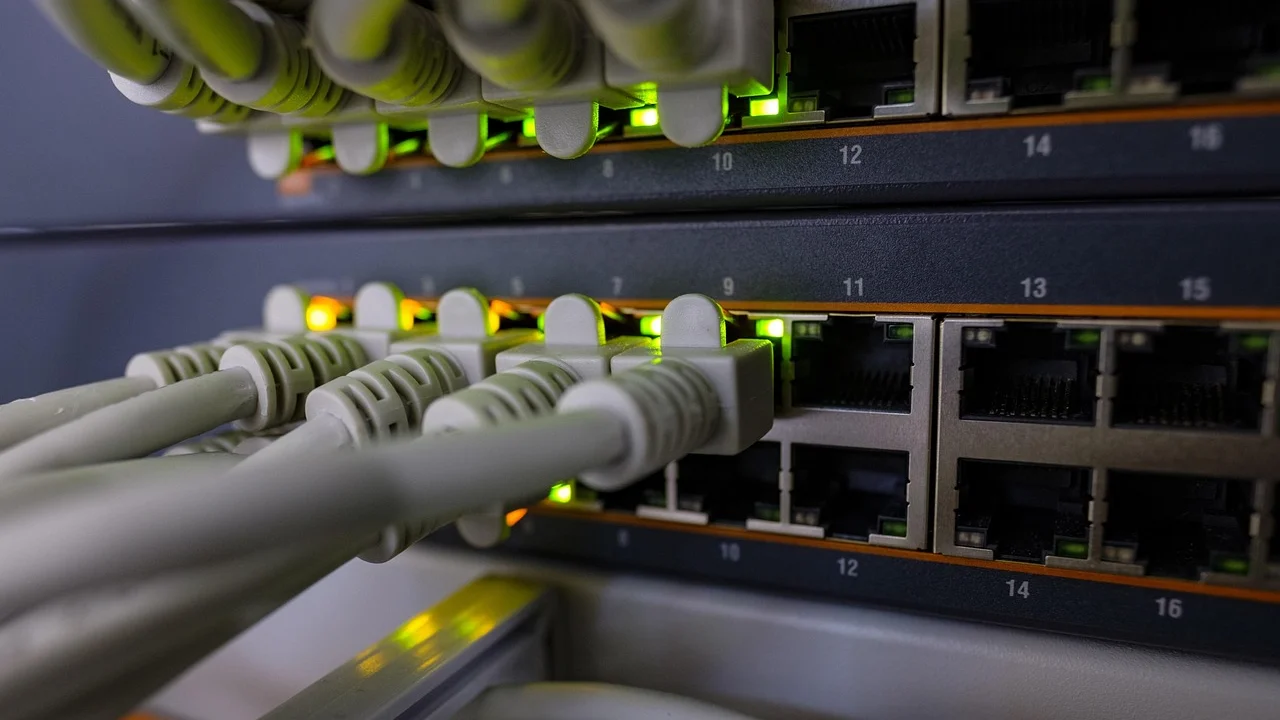
The classic technical support advice—"Have you tried turning it off and on again?"—has long been the subject of parodies. Yet, in the case of home routers, this simple physical disconnection is a solid engineering fact. A modern router is an independent computer featuring a central processor, volatile random-access memory (RAM), flash storage, and a dedicated operating system. Operating continuously for months, it suffers from progressive digital fatigue.
Where Does the Memory Go?
Every moment a router is active, it manages traffic for dozens of concurrent devices, including smartphones, laptops, smart TVs, and gaming consoles. To ensure data reaches the correct destination, the router maintains a dynamic internal connection log known as a routing table. Every opened website, video call, and background application initiates a new session within this table.
The core issue is that the RAM of home routers is extremely limited, typically ranging between 128 and 512 megabytes. Connections are not erased immediately upon closing an app; communication protocols retain them for minutes or even hours just in case. When the table becomes completely saturated, the router can no longer register new connections and begins dropping data packets, resulting in frozen video calls and loading errors.
What Happens During a Reboot?
Unplugging the router initiates a complete physical reset. Because RAM depends on a continuous electrical current to retain data, removing power causes capacitors to discharge and electrical charges to zero out. Within seconds, overloaded routing tables and stuck software processes vanish completely, and the operating system reloads cleanly from persistent storage.
Hardware experts recommend waiting a full sixty seconds before plugging the device back in. This ensures the complete discharge of internal capacitors, which hold residual electrical charges for several seconds after disconnection. Furthermore, waiting a minute allows the Internet Service Provider's servers to recognize that the device has disconnected, enabling a safe allocation of a fresh external IP address upon reconnection.