Google Wallet Introduces Home Keys for Digital Smart Lock Access
Google Wallet introduces Home Keys, allowing users to unlock smart locks via NFC or Ultra-Wideband technology using the Aliro open standard.
Google is expanding the capabilities of Google Wallet by introducing Home Keys, a new feature that allows users to store digital keys for smart locks directly on their smartphones. Instead of navigating a smart home application or using shortcuts, users can tap their device against a compatible lock using Near Field Communication or Wi-Fi, functioning similarly to Google Pay at retail stores.
Advanced Proximity Detection and Universal Standards
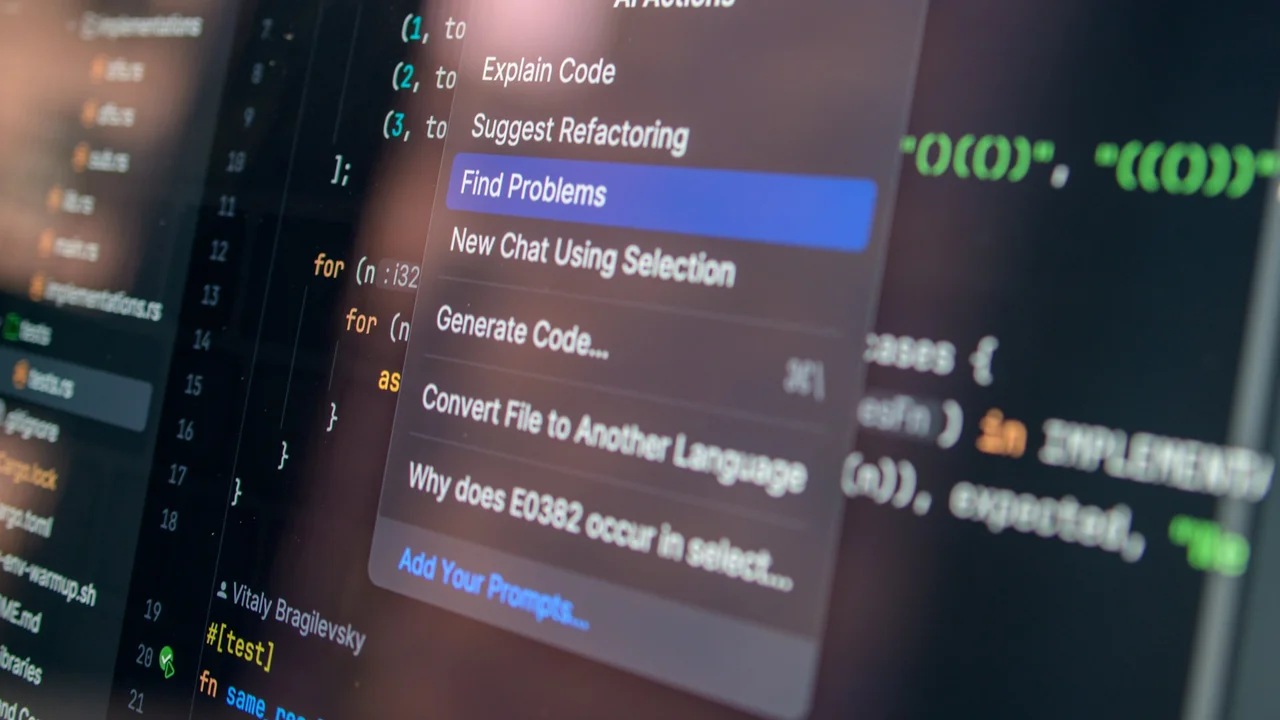
For devices and locks supporting Ultra-Wideband technology, Google offers an Unlock on Approach function. This system detects when a user approaches the door and automatically unlocks it without requiring the smartphone to be taken out of a pocket or bag. Ultra-Wideband measures precise device positioning and distance, a technology commonly utilized in smart tracking tags.
The feature relies on Aliro, an open standard developed by the Connectivity Standards Alliance, the same organization behind the Matter smart home protocol. This interoperability allows locks and devices from various manufacturers to function together without requiring dedicated manufacturer applications. Initial lock compatibility includes the Aqara U400 supporting NFC and Ultra-Wideband, the Schlage Sense Pro, and the Nuki Keypad 2 NFC.
Security Measures and Requirements
Smartphones running Android 9 or later with NFC support Tap to Unlock capabilities. Automatic unlocking via Ultra-Wideband requires recent Google Pixel devices or compatible premium Samsung models supporting the Aliro standard, alongside a Matter- and Thread-compatible Google smart home hub such as the Nest Hub or Google TV Streamer. Wear OS smartwatches are not supported at launch.
Google has integrated several security defaults. By default, tapping a locked smartphone against the door functions even when the screen is off, provided the device was unlocked recently. Users can configure biometric authentication or device unlock requirements within Google Wallet for every door access. Ultra-Wideband automatic unlocking remains disabled by default and requires manual activation.